AI resources can appear outside the governance register. Bring supported AWS and Azure resources into view, with their configuration and the questions your team needs to resolve.
From the first signal to an answer you can explain.
Explore the screens and the work behind each result.
01
A technical connection that supports governance.
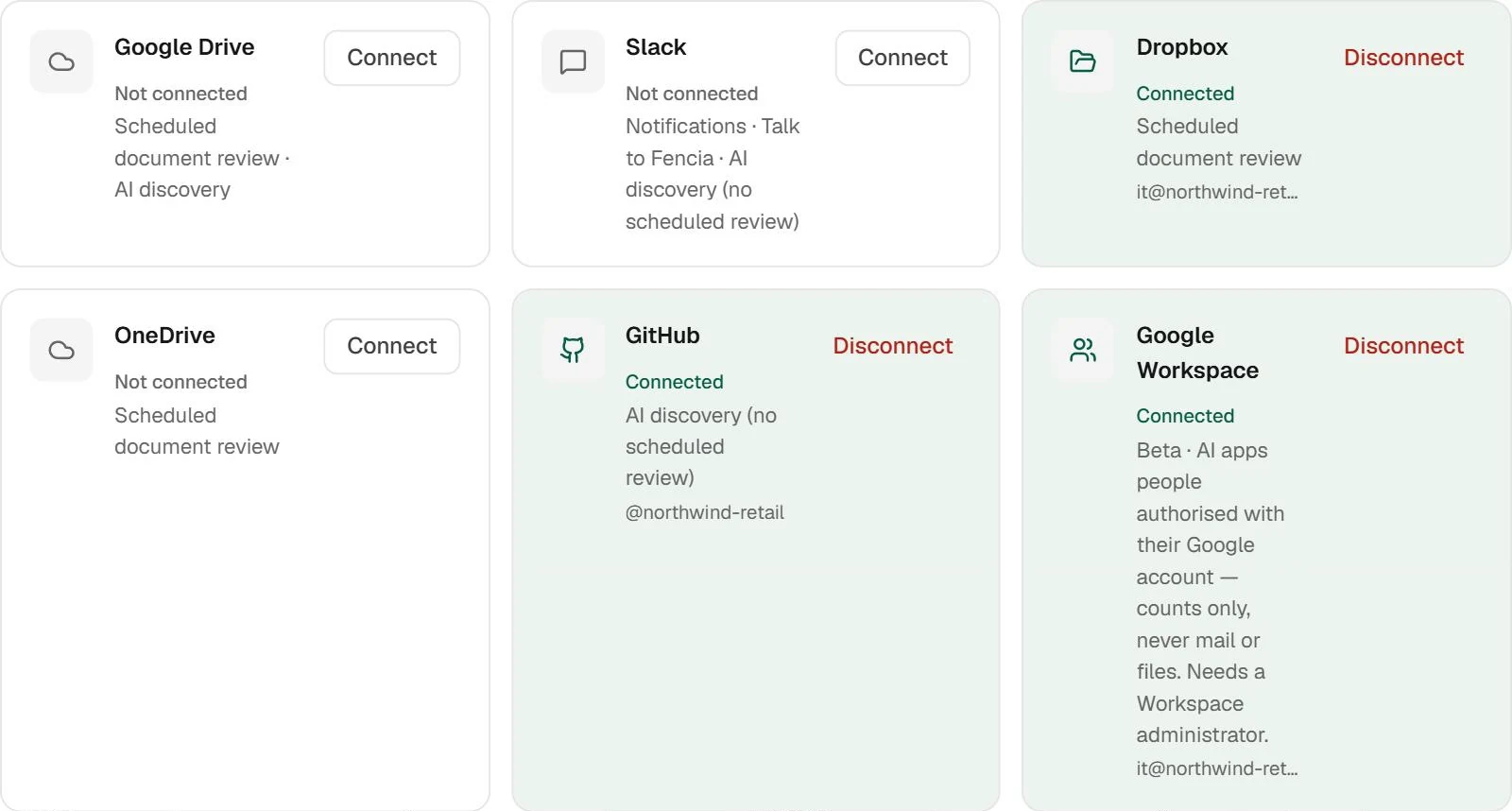
AWS connects through a cross-account role and ExternalId; Azure through an application and Reader on the selected subscription. Inventory is limited to supported resources, regions and permissions. Start with a defined scope your cloud team can validate.
Product connections view. The cloud-specific map is shown in the demo above.
02
A finding leads to a human decision.
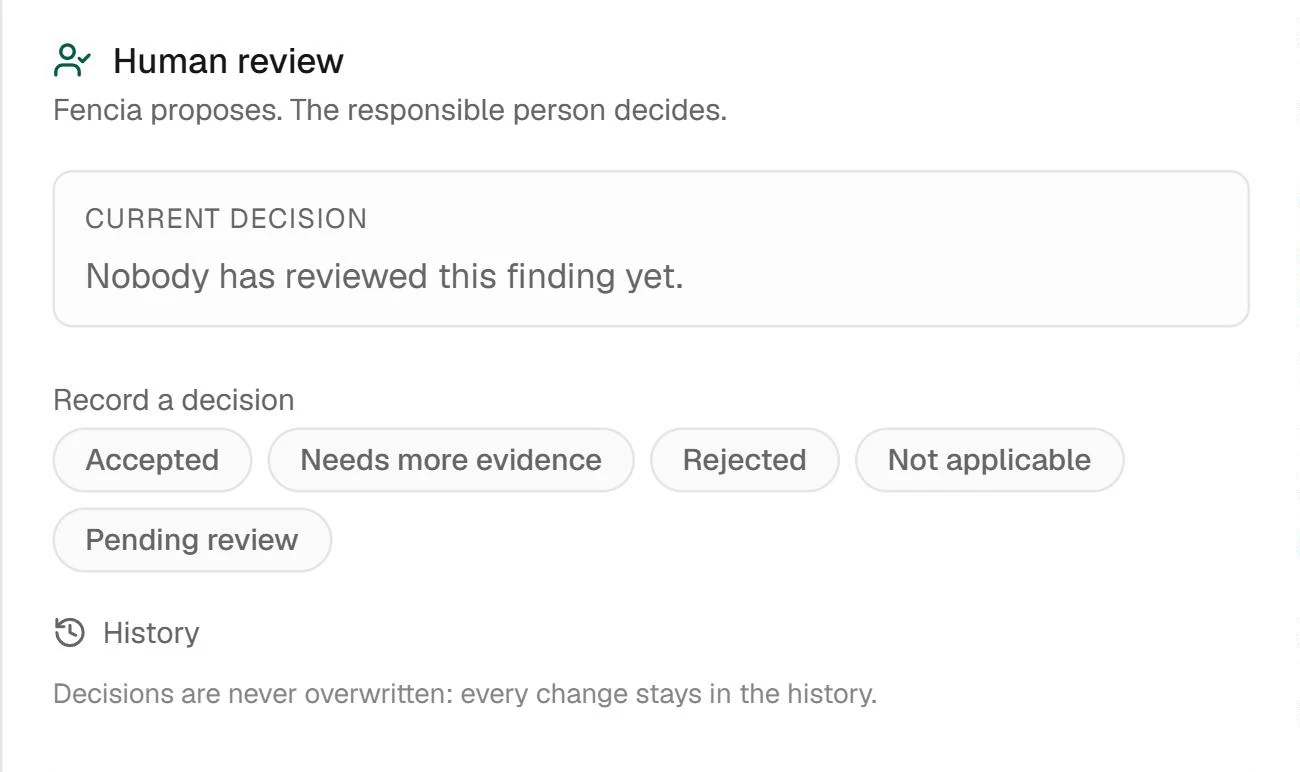
Open the detail, check the source and decide what it means for your organisation. Review separates the agent’s proposal from a decision confirmed by your team; both need context.
Example document finding review; illustrates the shared review workflow.
03
Keep something more useful than an alert.
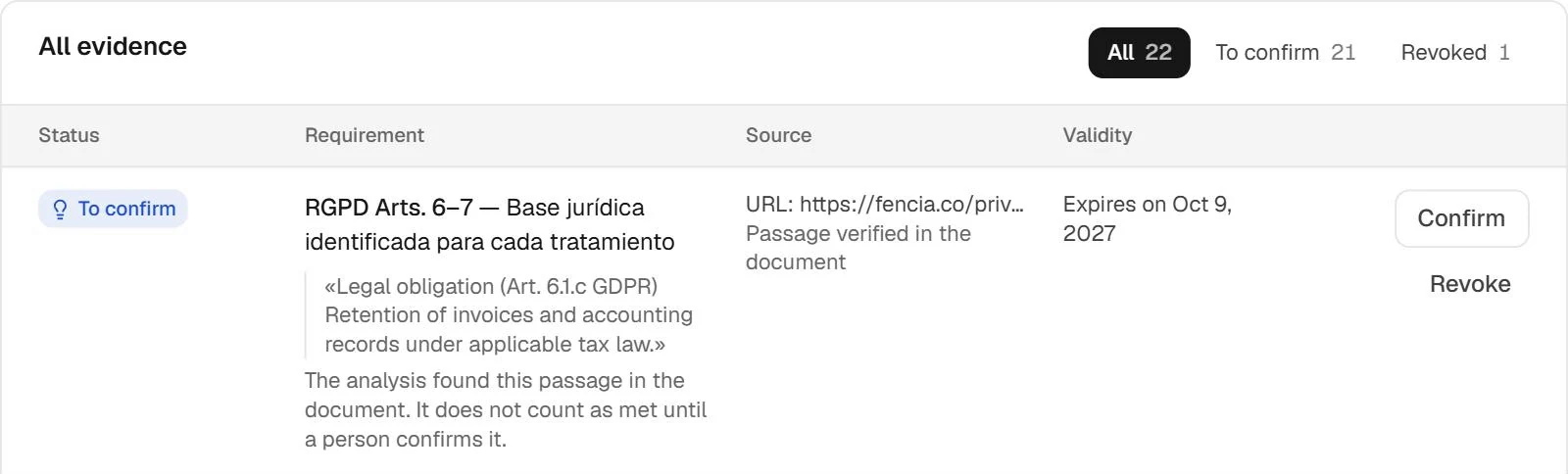
When someone else picks up the work, they need the source, context and available evidence. The library brings workspace material together for review without relying on scattered conversations or the memory of the person who started the case.
Real Fencia captures from a test workspace. Fictional data; shared views complement each feature’s specific demo.
BEFORE YOU START
Answers for your team.
What does the infrastructure team need?
Access to configure the AWS role or the Azure application and permissions. The connection does not authorise Fencia to change resources.
Does it read conversations or calculate model spend?
No. The described scope is inventory and supported configuration. It does not include model input access or cost monitoring.
IN YOUR TEAM’S WORKFLOW
The cloud team sees resources. Compliance needs answers.
Connect technical inventory to governance: which AI resource exists, where it belongs and which configuration findings need an owner.
01
Connect with read-only access
AWS uses a cross-account role with ExternalId. Azure uses an app and a Reader assignment to the chosen subscription.
02
Review the AI resources
Inventory supported Bedrock, SageMaker, Azure OpenAI and AI Foundry resources with the metadata the provider exposes.
03
Turn configuration questions into work
Review findings and their sources, assign the next action and track the case alongside your AI register.
A clear scope before connecting.
Beta. Coverage is limited to supported resources, regions and readable configuration. Fencia does not edit cloud resources, read model inputs or provide cloud cost monitoring.
Will Fencia change my AWS or Azure configuration?
No. These connectors read inventory and configuration. Your team reviews and applies any cloud changes through its own process.
Start with one source and a real question.
Review how this workflow fits your team’s work with us.
 Enlarge