A list of alerts leaves the hard work with you. Defense, Fencia’s governance copilot, helps explain the context and prepare a concrete plan for your team to review.
“The model is tested internally before each release.”
Quote verified · model_card_screening.docx
Owner
UnassignedMRMarta Ruiz
Due
—14 Oct
Status
OpenIn progress
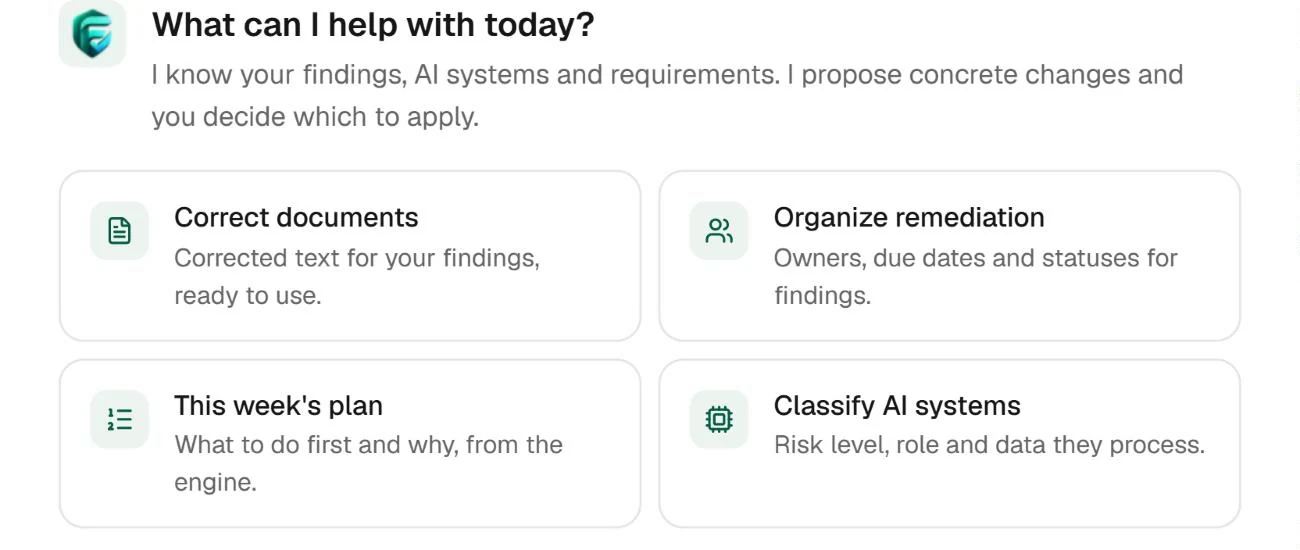
Ask the agent
Example data. The agent proposes; nothing changes in the finding until a person applies it.
01
An explanation grounded in the source.
02
Plans and drafts for review.
03
Work connected to its evidence.
Live product
From a finding to a draft your team can review.
Work from the case, its sources and the evidence already collected. Ask what matters, understand the proposed correction and keep the decision with the work.
CONNECTED TO YOUR TEAM’S WORK
FindingsAI registerFilesJira
WHAT YOU DO WITH FENCIA
From the first signal to an answer you can explain.
Explore the screens and the work behind each result.
01
Start with the context your team already gathered.
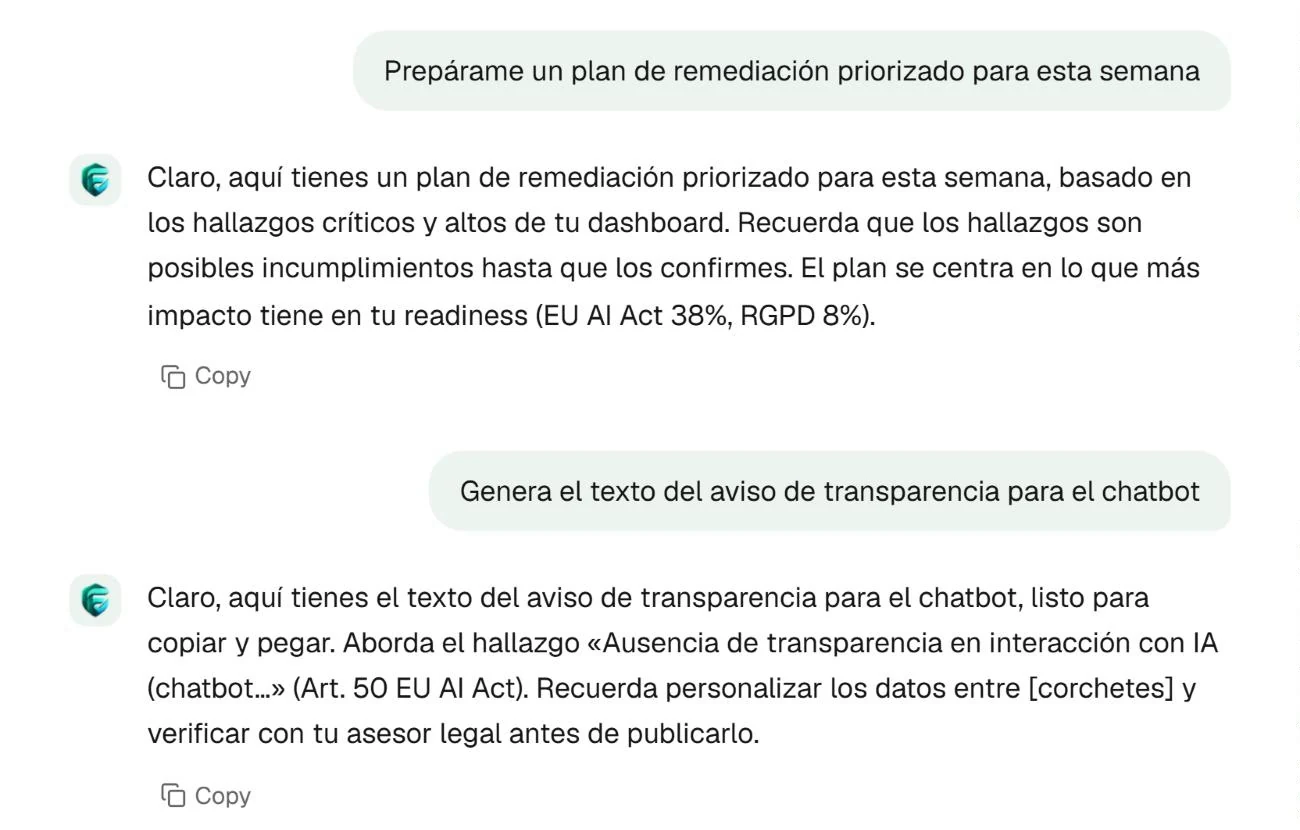
Defense starts from workspace findings, systems and requirements. Ask for an explanation or prepare the next step without retelling the whole situation in an empty chat. The source remains the starting point for reviewing the answer.
Ask about the next priority or prepare text from a finding. Your team checks the answer, fills in organisation-specific information and decides whether the draft is useful. Proposals are not verified fixes.
Example conversation in Spanish; fictional figures and documents.
03
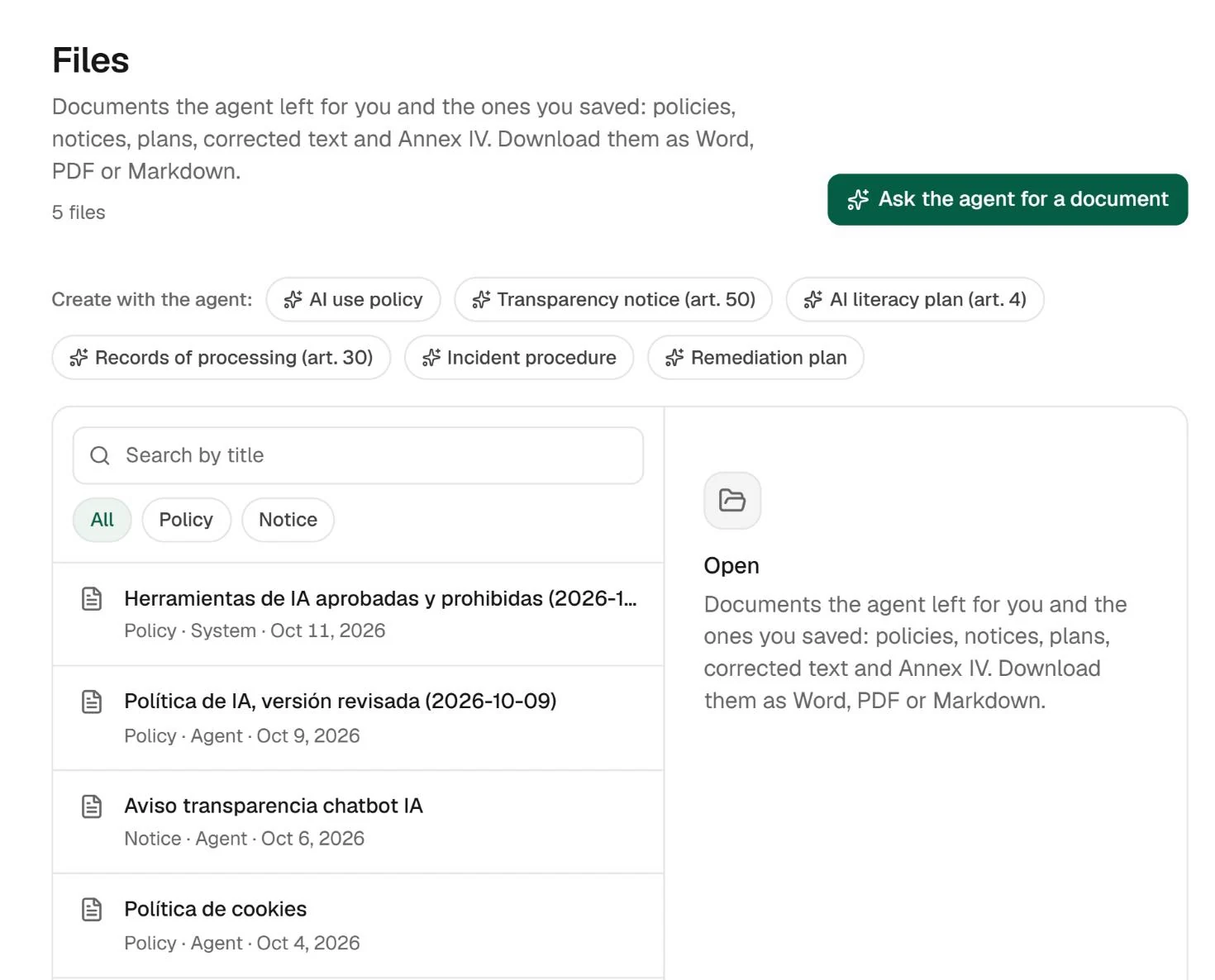
The document stays available after the conversation.
Keep drafts in Files alongside workspace material. The responsible person can review and download them. The value lies in taking a proposal through a concrete review, with evidence the team can consult later.
Real Fencia captures from a test workspace. Fictional data; shared views complement each feature’s specific demo.
BEFORE YOU START
Answers for your team.
Can work be taken to Jira?
The supported workflow prepares an issue from a proposal and follows its status. Marking it done does not by itself verify the technical fix.
Are answers ready to publish without review?
No. They are proposals and drafts. Your team must check sources, complete the context and approve use of the result.
IN YOUR TEAM’S WORKFLOW
Another alert is not a resolution.
Work from the case, its sources and the evidence already collected. Ask what matters, understand the proposed correction and keep the decision with the work.
01
Ask with the case in context
Open the finding and review the explanation alongside the source and relevant governance context.
02
Prepare the next action
Use the proposed plan or document draft. For supported remediation cases, preview a Jira issue before a person creates it.
03
Review what actually changed
Track the case and the available checks. A completed Jira task alone is not proof that the underlying issue is fixed.
A clear scope before connecting.
Defense supports human decisions. It does not autonomously change cloud permissions, merge code or certify compliance. The broader autonomous action executor is not available.
Can Defense fix everything automatically?
No. It explains and prepares work within the supported workflow. People review consequential actions and confirm evidence. Autonomous execution is not a current product promise.
Start with one source and a real question.
Review how this workflow fits your team’s work with us.

 Findings / Art. 15
 Live product
 Enlarge